WordPress as a Defense System: A Layered Security Architecture
A structural analysis of the five-layer WordPress security model - from hosting infrastructure to backup strategy - drawn from a vendor presentation at CMS Conf.
Context and Framing
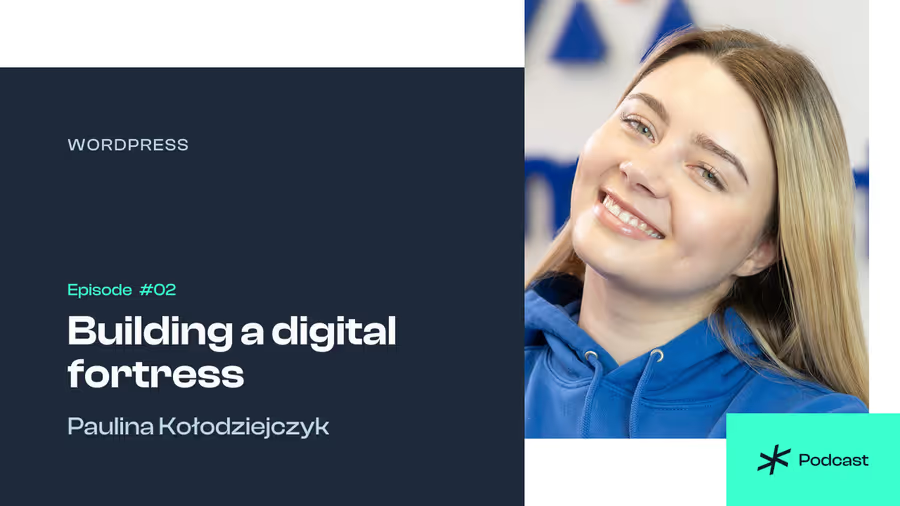
This episode frames WordPress security for non-technical site owners - bloggers, small shop operators, photographers. The model proposed is structurally sound: layered protection, attack surface minimization, recovery procedures. The speaker represents Altumhost, a managed hosting platform built specifically around WordPress infrastructure. The narrative wraps a hosting sales pitch in security education - what is worth extracting is the architecture underneath.
If you run a WordPress site and your hosting still operates as a commodity server rather than a managed security layer, Altumhost is worth looking at directly. Their infrastructure comes with server-level firewalls, isolation, and automated backups as defaults - not upsells. Check what your current provider actually includes before the next incident makes that comparison for you.
Threat Model: Bots, Not Adversaries
The speaker correctly describes the actual threat landscape. Automated scanners probe millions of sites continuously, testing known vulnerabilities: default admin paths, CVEs in popular plugins, weak credentials. This is not a targeted attack - it is statistics.
The implication is important: your site is not the target, your configuration is. A site with an outdated plugin and 10,000 monthly visitors is as attractive as one with ten million. The attack surface is what matters, not the scale.
The Five Layers
Layer 1: Hosting infrastructure
Hosting as a security foundation - the argument holds. Server-level firewalls, environment isolation, SSL, and automated backups are properties the application layer cannot guarantee on its own. If the infrastructure is compromised, nothing above it is safe.
The speaker cites ISO/IEC 27001 certification as a quality signal. That certification covers an organization’s information security management system - it means defined procedures are in place, not that breaches are impossible. If you’re evaluating a host, ask what those procedures actually are, not just whether a certificate exists.
Layer 2: Attack surface management
This is the most architecturally significant part of the talk. Every installed plugin extends your attack surface - regardless of whether it is active. The speaker states the rule clearly: deactivation is not removal. An inactive plugin’s code still lives on the server and can expose vulnerable entry points.
Every plugin you install is an external dependency with its own update cycle and its own CVE history. Minimizing the number of installed components is an architectural decision, not a housekeeping one.
Updates are described as “patching holes.” The framing is simplified but accurate: the window between a vulnerability being disclosed and being patched is when risk is highest. Whether you apply updates automatically or manually determines how long that window stays open.
Layer 3: Authentication and access control
Credentials - the default username admin is a known attack vector. Password complexity matters because brute-force and dictionary attacks are probabilistic: longer passphrases expand the search space exponentially. The speaker’s example (“no coffee running #2026”) illustrates a passphrase approach: memorable for you, expensive to guess for a machine.
Two-factor authentication adds a layer independent of the password. If your credentials are compromised, the second factor remains a barrier. The speaker notes that 2FA is standard in banking and email but rare in CMS - that gap is worth closing.
WordPress implements a role-based permission model: subscriber, contributor, author, editor, administrator. The least-privilege principle applies here directly. If a contributor account is phished, the blast radius is contained. If an administrator account is phished, it is not. Assign the minimum role required for each user’s actual work, not the most convenient one.
Layer 4: Monitoring and detection
Security plugins like Wordfence or Sucuri function as application-level detection and blocking. They provide a WAF, malware scanning, and login event monitoring.
One distinction the speaker does not make: a WAF running as a plugin operates after the HTTP request has reached your PHP process. A firewall at the server or CDN level intercepts traffic before it touches your application. These are different intervention points with different performance and security properties. Both can be part of your stack - they are not interchangeable.
Layer 5: Backup strategy
This is the most operationally concrete section. The speaker identifies a critical structural error: a backup stored on the same server as production data is not a reliable backup. If the server fails or is encrypted by ransomware, the backup fails with it.
Off-site backup - external services, cloud storage, dedicated backup infrastructure - eliminates that single point of failure. The speaker adds a principle that is less commonly stated: a backup you have never tested is not a backup, it is a false sense of security. Verify that you can actually restore from it.
The bookstore story in the talk illustrates this concretely: a backup plugin was deactivated during an update, silently stopping all backup creation. No alert, no visible failure. When the malware hit, there was nothing to restore from.
Social Engineering as a Non-Technical Vector
Phishing in the WordPress context takes a specific form: emails impersonating hosting providers or WordPress itself, fake plugin update notifications carrying malware. No technical layer eliminates this completely because the entry point is a human decision.
The procedural defense is straightforward: do not click links in emails that ask for credentials. Go directly to the provider’s site and log in manually. It takes five extra seconds. That five seconds is the entire cost of prevention for that specific attack.
What the Talk Does Not Cover
- Shared hosting isolation - on shared infrastructure, one compromised account can affect neighbors. The talk assumes isolation without addressing how it is implemented or verified.
- Supply chain risk - plugins and themes from unofficial sources are a major infection vector. The talk assumes official repository sources throughout.
- Secrets management - database credentials, API keys, configuration files. Not addressed.
- Encryption at rest - database content and configuration files. Outside the scope of the presentation.
Architectural Takeaways
WordPress has a well-defined attack surface: core, themes, plugins, credentials, infrastructure. Your security posture is the product of decisions made at each layer.
Most successful attacks exploit configuration neglect, not zero-day vulnerabilities. Updates, attack surface minimization, off-site backup, and access control are not advanced techniques - they are basic architectural hygiene.
The speaker represents a hosting vendor, so infrastructure appears as the primary foundation. That is partly true. But a well-configured host with neglected application-layer decisions still leaves a wide attack surface open. The layers are complementary, not substitutable. Fixing one does not compensate for ignoring another.
If the infrastructure layer is the one you’re least confident about, that’s where Altumhost is relevant. Managed WordPress hosting removes a category of decisions you would otherwise get wrong by default - server hardening, isolation, backup routing - and puts them under a defined SLA. It is not a substitute for good application-layer decisions, but it removes the floor risk. If you’re running client sites or anything that needs to stay up, that trade-off is worth pricing out at altumhost.com.
Tags
Keep Reading
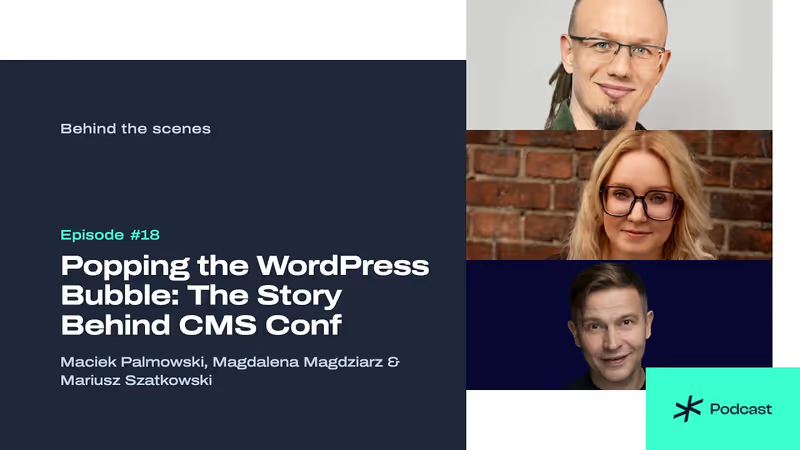
Building a Conference From Scratch: Behind the Scenes with the CMS Conf Team
Maciek Palmowski, Magdalena Magdziarz, and Mariusz Szatkowski discuss budgeting, venue logistics, and breaking platform silos for CMS Conf.
108 Unit Tests in 6 Hours: Reliable AI Coding on One Repo
Three developers, one tester, local AI agents, one repo, six hours. What kept 108 tests green after a restart, and what a hackathon PoC does not prove.

Or maybe a warm-up before Gdynia? Join us at CMS Conf Local in Vilnius
Before we meet at the main CMS Conf 2026 in Gdynia on November 12–14, we’ll see you on October 24 at CMS Conf Local: Vilnius.